


Pictures that fill the screen
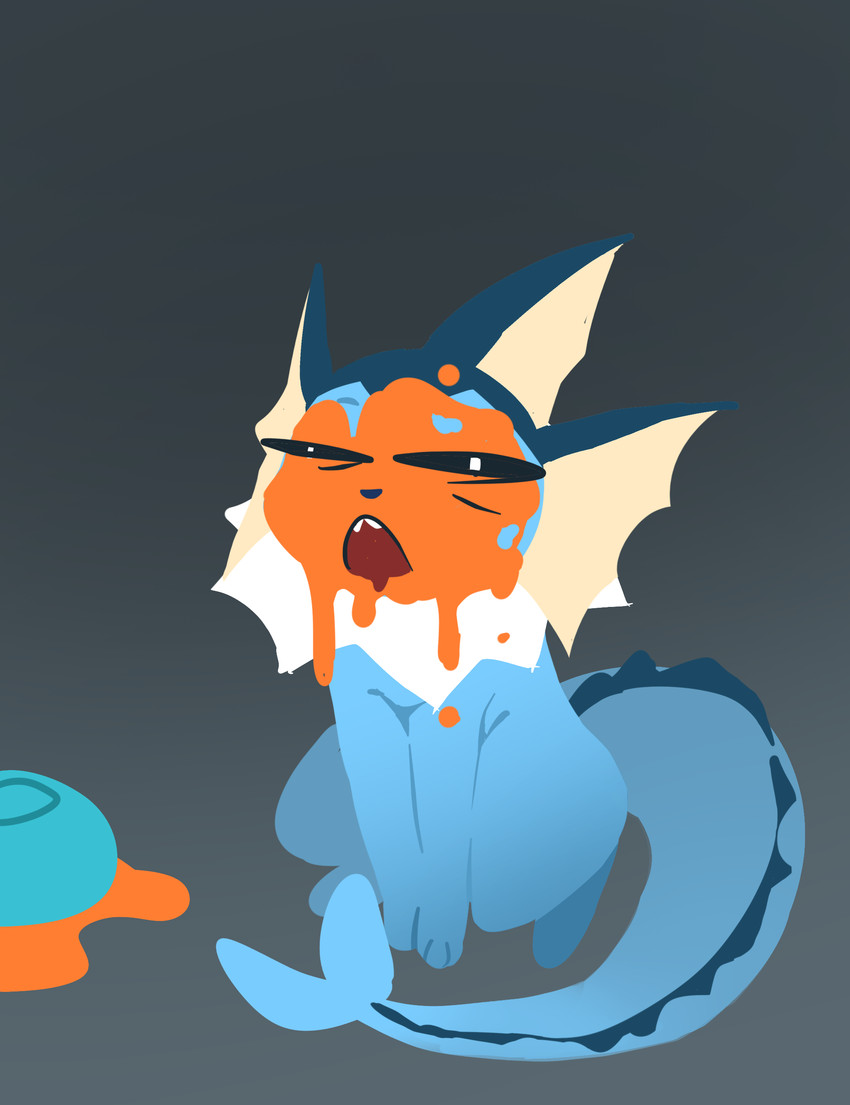
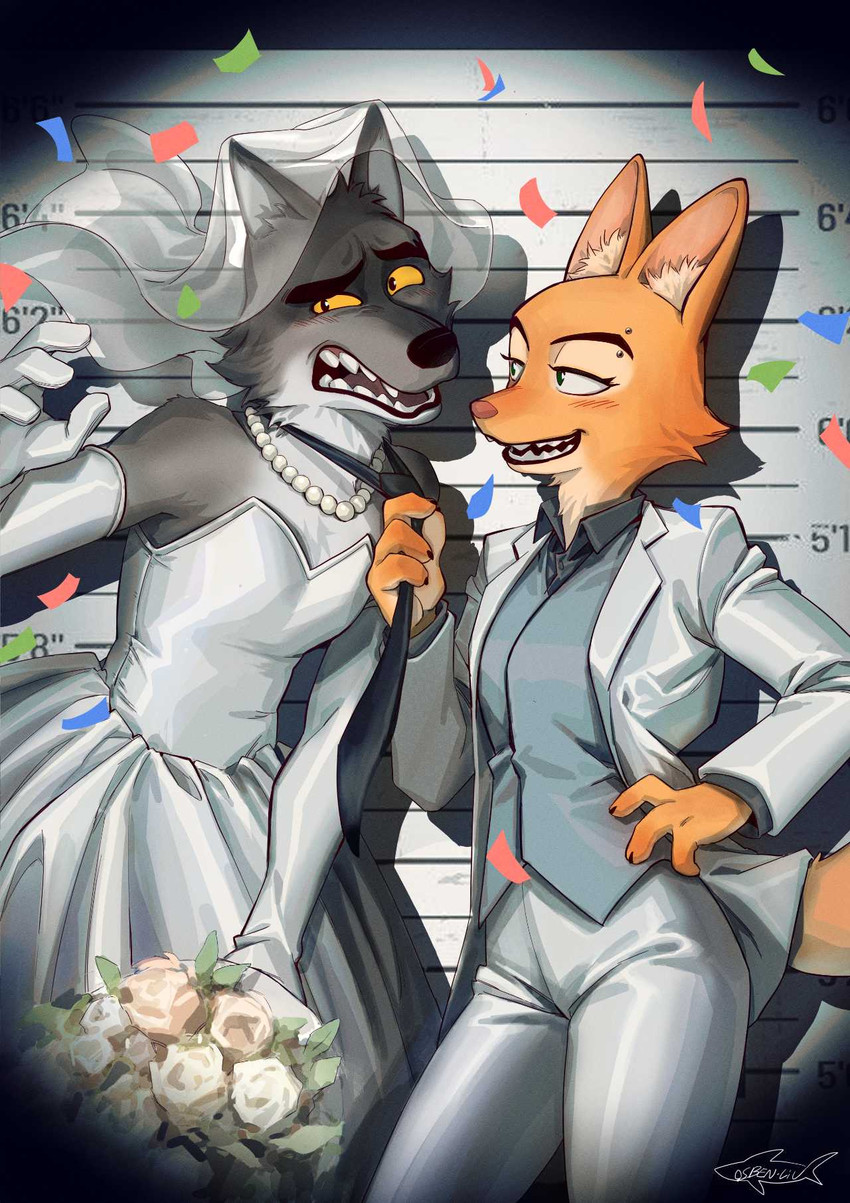
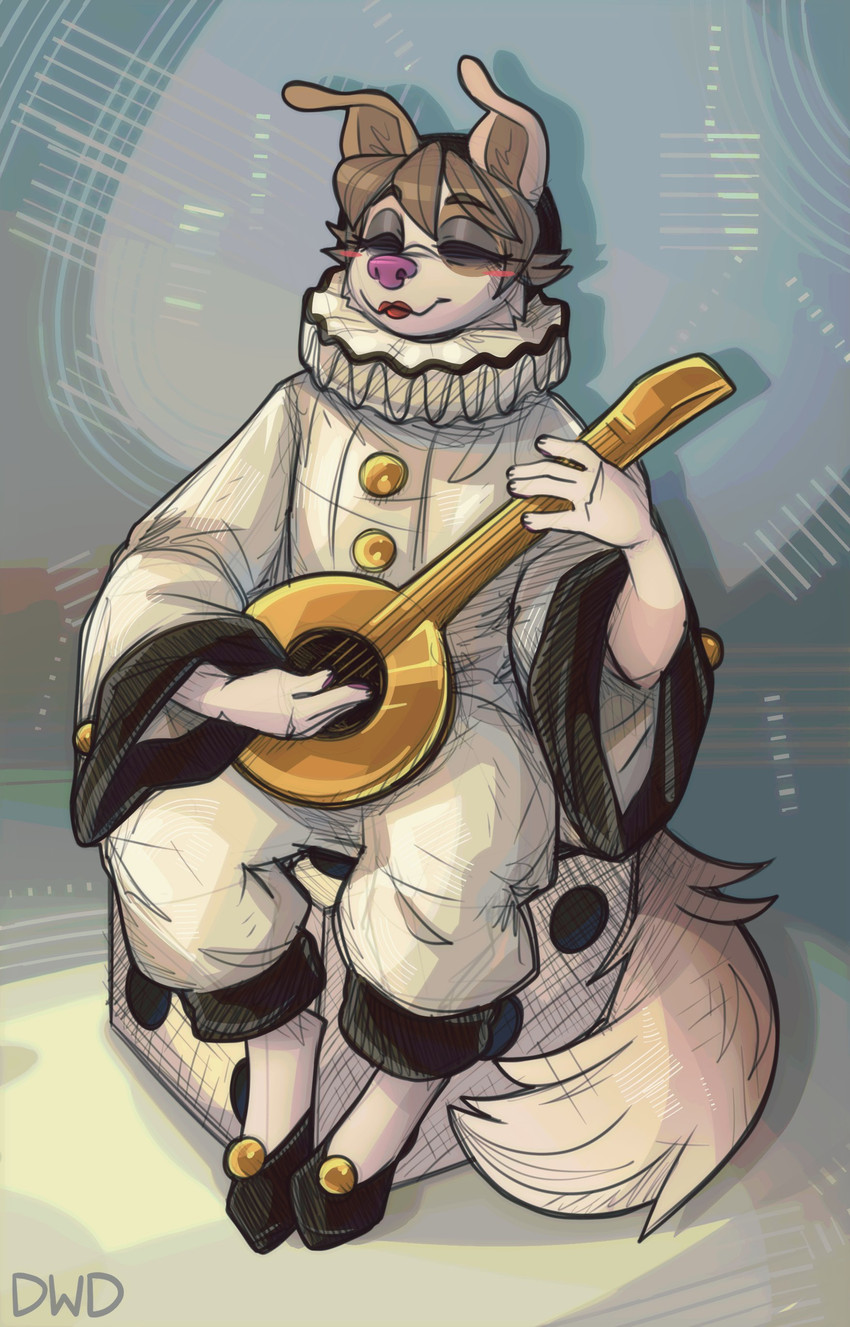
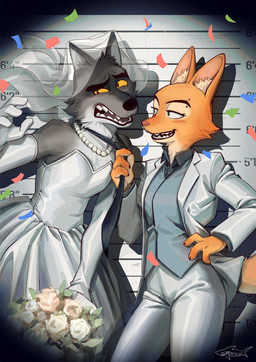
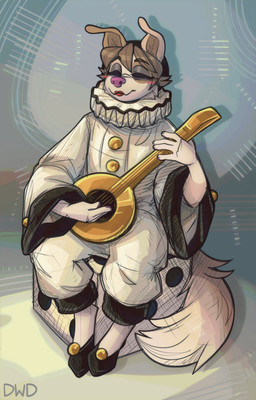
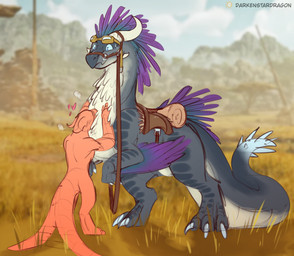
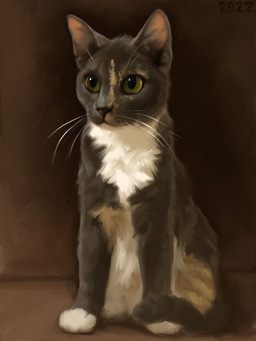
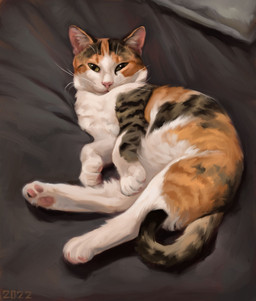
A gallery in rows that keeps loading as you scroll, with thumbnails sized for your screen. Tap one: full screen, swipe left and right, pull down to close.
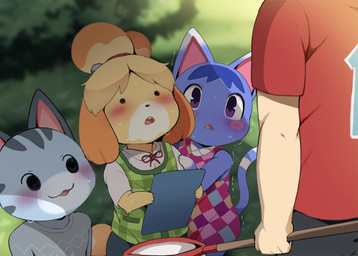
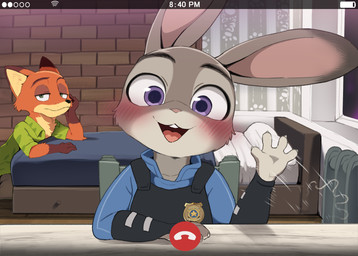

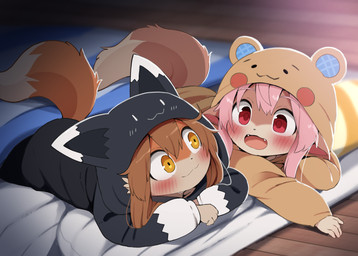
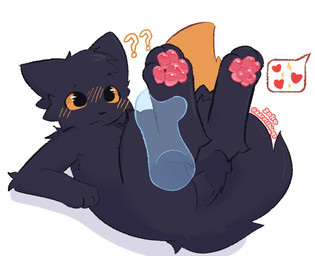
e621's website on a phone is the desktop site, smaller. Sixviews is the same e621, the same artists and tags, with an interface built for a screen you hold in one hand. Nothing to install, unless you want the icon.
free, no account needed
A gallery in rows that keeps loading as you scroll, with thumbnails sized for your screen. Tap one: full screen, swipe left and right, pull down to close.
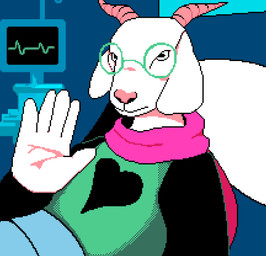
Like or pass with your thumb, one picture at a time. Likes can become e621 favourites, and each swipe teaches your “For you” feed.
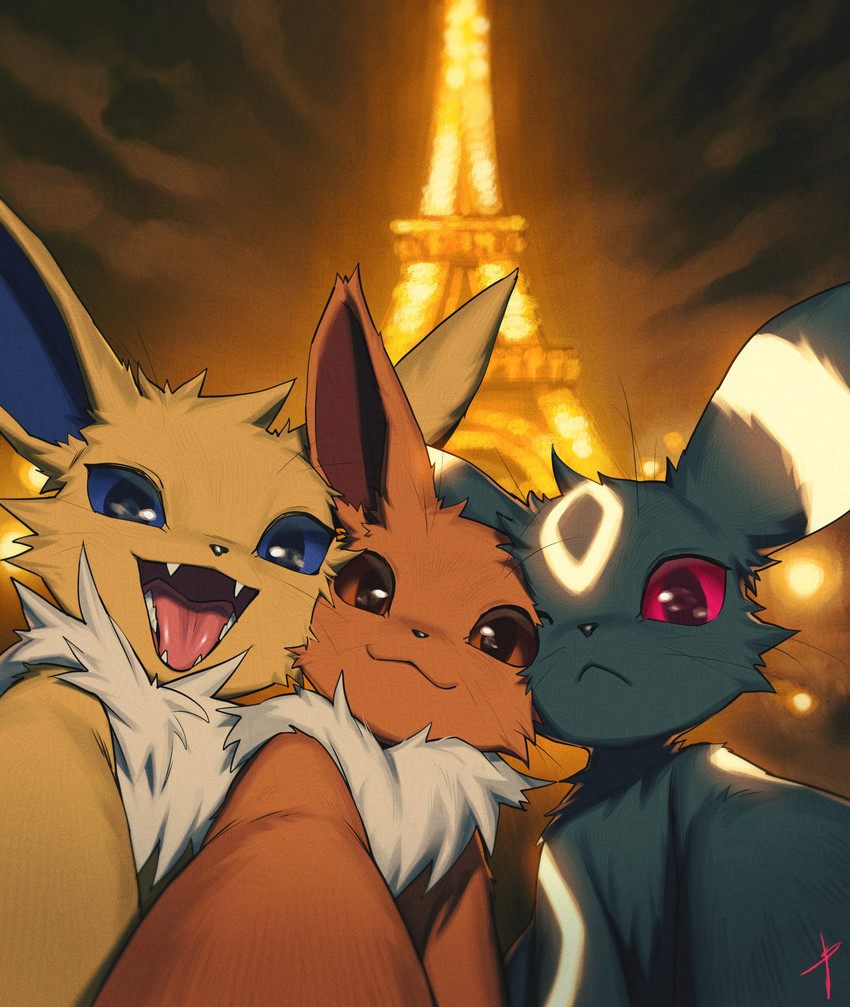
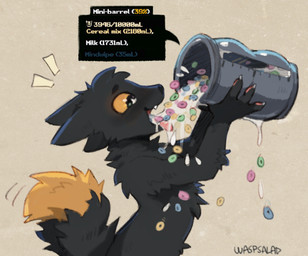
A whole e621 pool on one page, at the width you like, with your place remembered. Save a comic to read it with no connection.


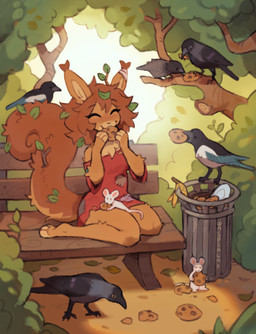
Nothing to sign up for, nothing to install. Open Sixviews, scroll a bit, and log in with your e621 account later if you want your favourites and votes.
Art on this page by the artists named under each picture, shown from e621. Tap through to support them.